
Create a visually unforgettable editorial art poster of a dreamlike futuristic world where familiar everyday life meets surreal architecture. Grand sculptural buildings, winding roads, oversized plants, tiny people, unexpected floating elements, dramatic perspective, cinematic atmosphere, and one iconic focal point. Blend vintage travel-poster design with modern luxury editorial aesthetics, sophisticated muted colors, soft natural light, subtle film grain, tactile paper texture, clean geometric shapes, minimal composition, nostalgic yet futuristic, whimsical but premium, highly detailed, instantly recognizable silhouette, Pinterest-worthy, Instagram-viral aesthetic, collectible art print, no clutter, no photorealism, vertical 4:5.
 ImgEdify
Your space to create
Free Online AI Photo Editor & AI Image Generator
Turn an idea into an image. Turn a photo into something new. Your favorite AI models, in one creative workspace.
Up to 60 complimentary credits. Cost shown before you create.
Featured models
GPT Image 2.5
OpenAI’s latest image model with faster generation and more precise edits.
Nano Banana 2.1
Advanced Pro capabilities at lightning-fast Gemini 3.1 Flash speed.
Nano Banana 2
Advanced Pro capabilities at lightning-fast Gemini 3.1 Flash speed.

HappyHorse
Alibaba Cloud text-to-video and image-to-video generation with per-second pricing.

GPT-Image-2
OpenAI image generation and editing for production-ready visuals.
Nano Banana Pro
Hyper-real portrait workflows tuned for avatar commerce.
Find your next image idea.
Explore community prompts. Pick a look, make it yours, and create with ImgEdify.
Create a highly detailed, photorealistic miniature travel-poster diorama inspired by Rio de Janeiro, arranged as a handcrafted 3D paper scene on a warm ivory, slightly textured background. In the foreground, a realistic human hand holds a vintage Brazilian travel ticket or Rio-themed transit card vertically on the left side. Give the card aged paper texture, subtle printing imperfections, elegant typography, and authentic-looking travel details. From behind the card, a miniature Rio de Janeiro landscape physically rises outward like an intricate pop-up diorama. Make Christ the Redeemer the dominant central landmark, positioned high above a miniature cityscape with lush green mountains surrounding it. Below, build a tiny realistic Rio street featuring a classic yellow taxi, colorful buildings, palm trees, pedestrians, cyclists, street lamps, tiled sidewalks, and small Brazilian urban details. Add Copacabana beach elements in the distance with tiny umbrellas, beachgoers, and a glimpse of the Atlantic Ocean. Layer the architecture and terrain so everything appears physically constructed from paper, wood, plaster, and miniature materials, with convincing depth, cast shadows, overlapping surfaces, and a slight three-quarter perspective. Around the main 3D scene, incorporate delicate black, charcoal, and muted sepia hand-drawn travel illustrations on the cream paper. Include a small Sugarloaf Mountain sketch in the upper left, an artistic Copacabana promenade illustration in the upper right, a detailed Selarón Steps sketch along the right side, and a small Ipanema beachfront skyline drawing near the bottom. Add subtle handwritten travel notes, tiny map markings, architectural outlines, compass symbols, postage-stamp details, and understated Brazilian travel annotations. Keep the composition refined rather than crowded. Blend realistic miniature photography with vintage travel-journal design, tactile paper fibers, faint ink bleed, imperfect hand-drawn lines, warm natural studio lighting, gentle shadows, subtle film grain, and a sophisticated cream, charcoal, muted green, ocean blue, and Brazilian yellow palette. The final image should feel like a premium collectible Rio de Janeiro travel postcard transformed into a physical miniature world, with the central diorama sharply detailed and the surrounding illustrations slightly softer. Highly realistic human hand and fingers, believable miniature materials, cinematic product photography, editorial travel-magazine aesthetic, shallow depth of field, ultra-fine textures, photorealistic 3D details, vertical 4:5 composition, 8K quality.
A macOS app icon for an app named 'Bichon Shop'. A single squircle icon with smooth continuous rounded corners, centered on a white canvas with padding, occupying about 80% of the canvas. Modern light skeuomorphic macOS App Store style. Only one icon.
Create a luxurious, dreamy country travel-art collection in the exact visual language of an elegant premium tourism campaign: a large transparent crystal/glass architectural frame or arched glass display standing on a glossy reflective surface, containing a highly detailed cinematic illustration of the destination. For [COUNTRY], feature its most iconic landmarks, historic architecture, distinctive landscapes, local transportation, cultural elements, national flag, flowers and recognizable scenery arranged as one seamless poetic panorama. Use warm golden-hour sunlight, soft atmospheric haze, pastel cream, champagne, muted blue and sage tones, delicate clouds, subtle birds, realistic glass refraction and rainbow prism highlights along the edges. Create a perfect mirror reflection beneath the glass structure, extending the entire composition downward with beautifully softened reflections. Add elegant editorial typography at the top reading “[COUNTRY]”, with smaller refined text “THE SOUL OF [COUNTRY]” and “A JOURNEY THROUGH TIME • 2026” beneath it. Sophisticated luxury travel magazine aesthetic, photorealistic yet painterly, cinematic depth, fine-art composition, extremely detailed architecture, serene atmosphere, premium advertising photography, symmetrical balanced framing, soft film grain, 8K, vertical 4:5, no clutter, no modern UI elements, no extra text.
Curated from awesome-gpt-image-2. Community examples; results vary by model. MIT license.
Two ways to make images with AI.
Start from a prompt when you need something new. Start from a photo when you need a precise edit.
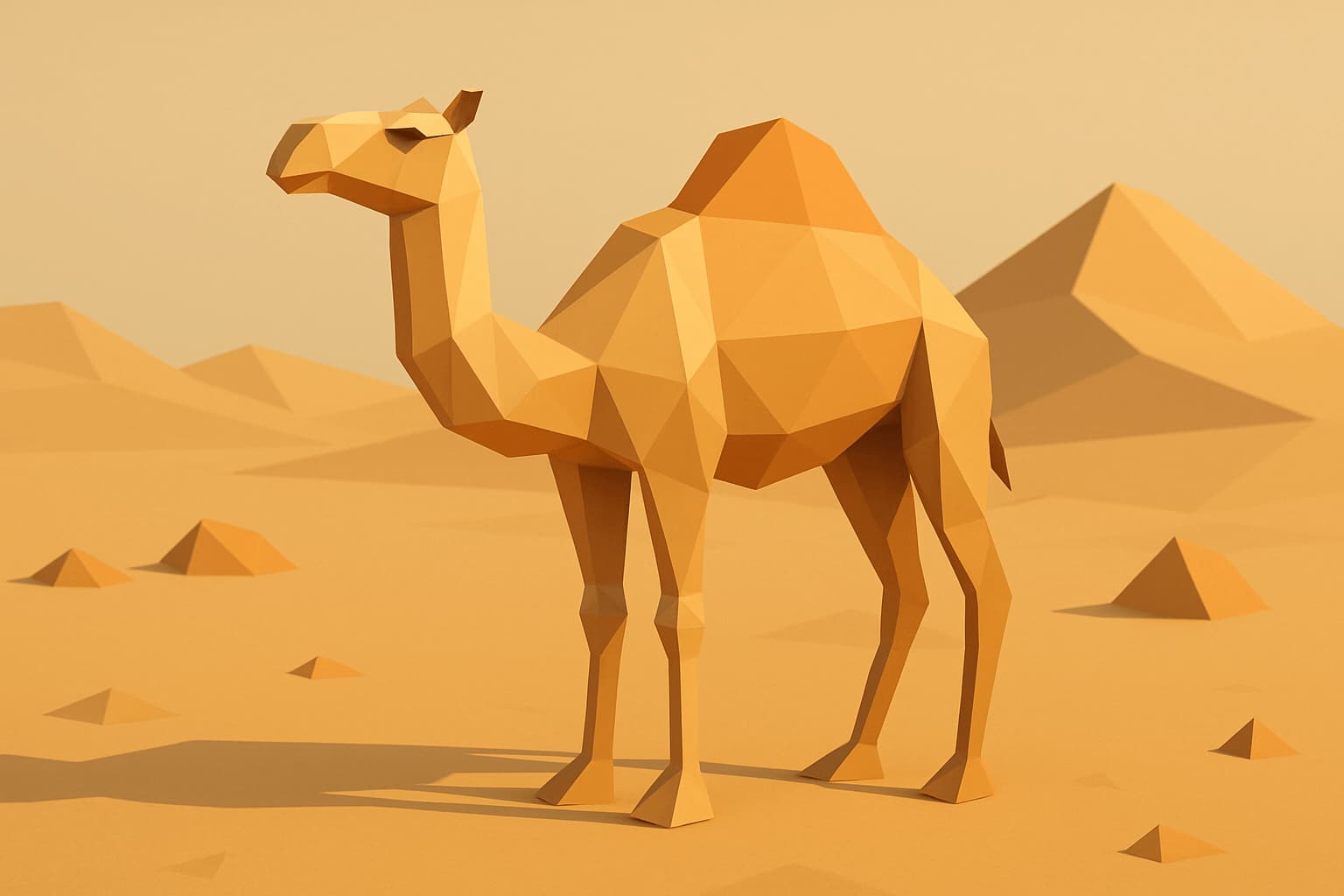
AI Image Generator
Turn a written idea into a finished image.
Describe subject, lighting, and style. Choose a model, preview the credit cost, and generate from text.
- Text to image prompts
- Multiple generation models
- Credit cost before generate
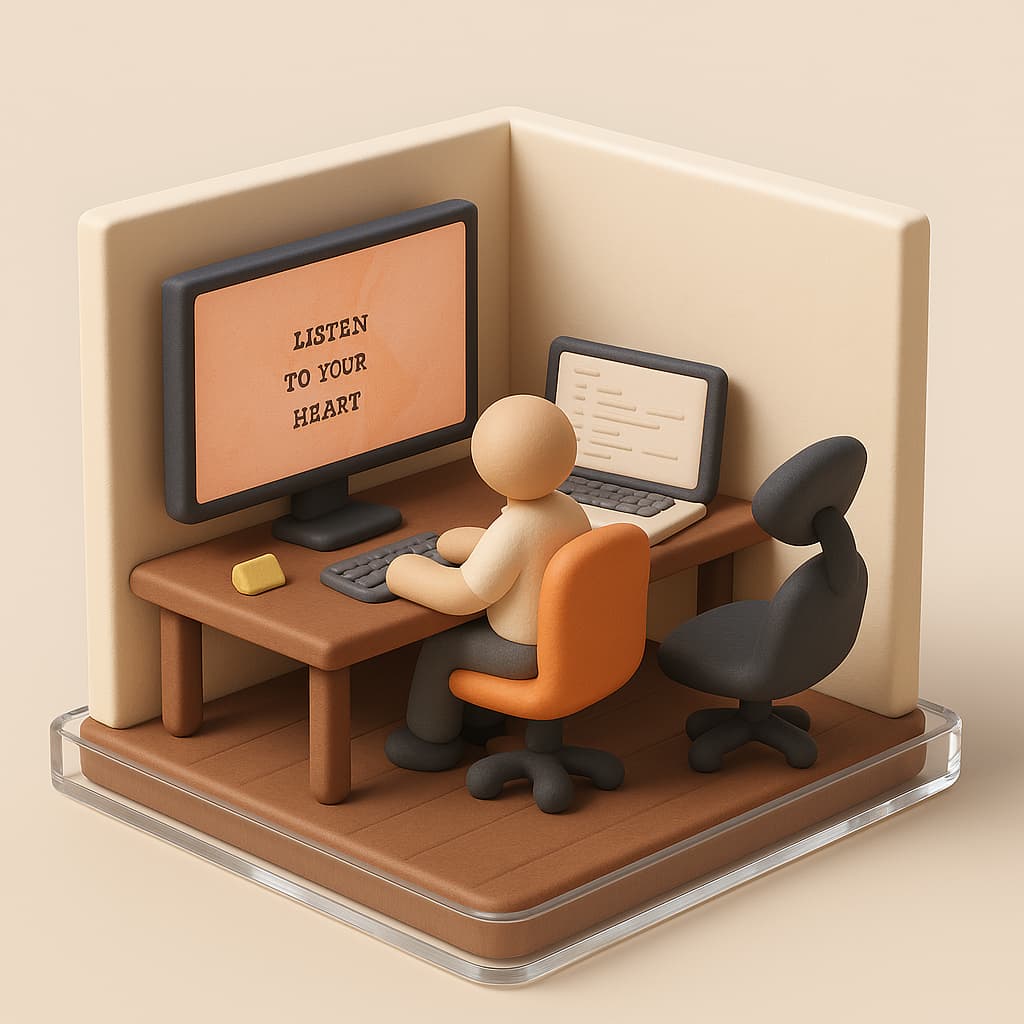
AI Image Editor
Upload a photo. Describe the change.
Keep composition, identity, or layout when you need it. Restyle, rewrite details, or transform a reference image with AI.
- Image to image editing
- Reference-guided changes
- Restyle without starting over
Generated from text. Edited from photos.
Real ImgEdify outputs from the AI image generator and AI image editor workflows.
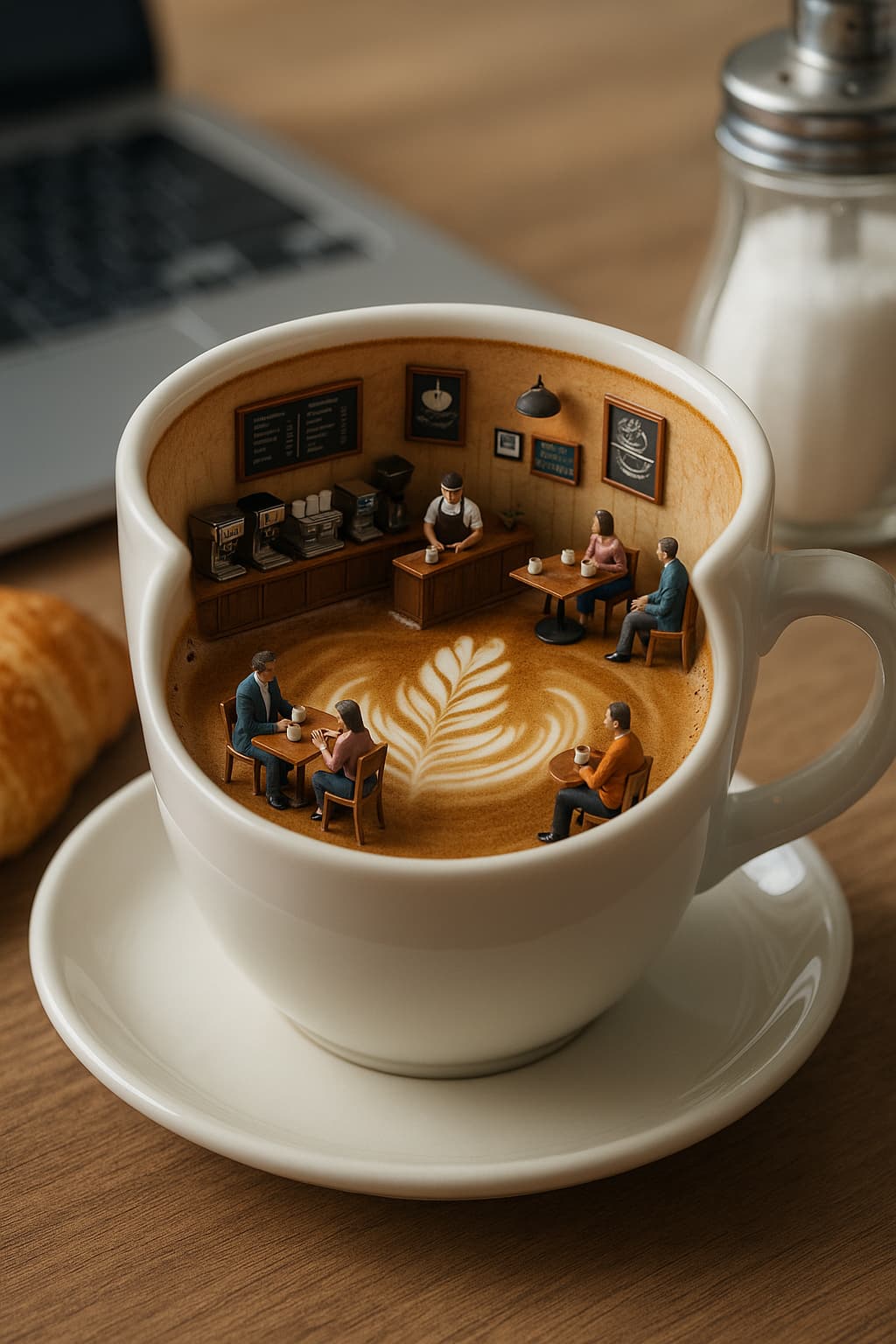
Miniature café inside a coffee cup
Create a photorealistic miniature café inside a coffee cup, with tiny customers, espresso equipment, and latte art.

Outfit edit for a couple portrait
Change the man’s outfit to a black leather jacket while preserving the couple, red flower, and street scene.

Anime café illustration
Transform the reference into a polished anime illustration.

Retro cashless society poster
A cinematic concept image exploring a future cashless society.
Built for generation and editing, not one or the other.
Generate from text
Write a prompt and produce a new image with the model that fits your style.
Edit from a photo
Upload a reference and keep what matters while changing outfit, style, or scene.
Cost shown before you create
The generate button displays the selected model cost before submission.
One credit balance
Use the same account balance across AI image generation and editing workflows.
More AI image editing tools.
Focused editing workflows that sit beside the main AI image editor.
AI image generator and editor FAQ
How generation, editing, credits, and file handling work on ImgEdify.
What is the difference between AI image generation and AI image editing?
AI image generation creates a new image from a text prompt. AI image editing starts from an uploaded photo or reference and changes what you describe while keeping the parts you want to preserve.
Do I need an account to generate or edit an AI image?
Yes. You can prepare a prompt, model, aspect ratio, and reference image first, but ImgEdify asks you to create an account before any AI generation or editing request is submitted.
How do complimentary credits work?
Eligible new accounts receive up to 60 complimentary credits. The exact balance appears in your account, and the generation button shows the model cost before submission.
Which image formats can I upload for editing?
Supported formats depend on the selected workflow. Common JPG, PNG, and WebP images are accepted by the main image editor; each tool states its own limits before upload.
Will a failed generation or edit use credits?
A task that fails before producing a result should not be charged. If a balance looks incorrect, contact support with the task identifier so the task can be reviewed.
Can I use generated or edited images commercially?
Commercial use depends on the selected model, your inputs, and applicable law. Check the terms for the model and make sure you have rights to reference images, brands, and recognizable people.