One image as a reference
Start with a scanned doodle, a photo of paper art or a clear photo of a single subject.
The crayon studio
Bring your drawing to life.
Animate a drawing online with AI. Upload a sketch, a photo of your child’s artwork, or a snapshot with one clear subject. Choose a dance, wave, hop, or float. ImgEdify redraws the subject in a wax crayon style and turns it into a short MP4 you can preview and download.
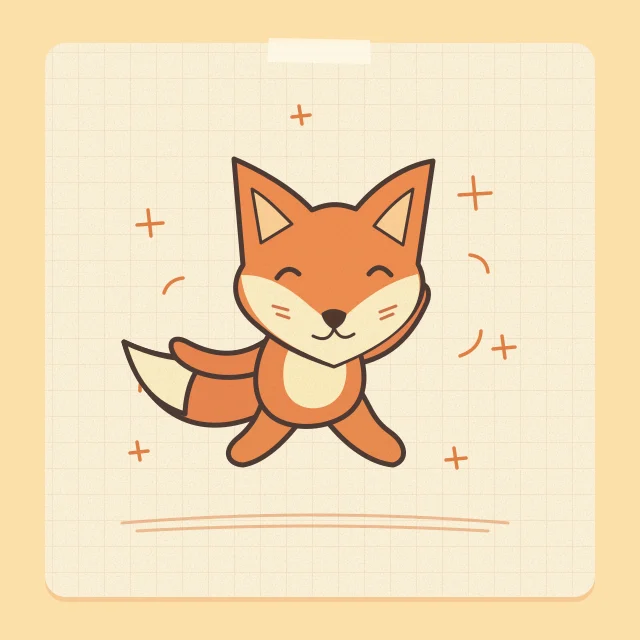 Sample drawingLittle dance
An illustrated input to try. Your generated video will appear here.
From paper to motion
It’s an image-to-video tool with a prepared crayon look and four motions. The model interprets your image as it redraws it, so small details and the timing of the movement may change.
Start with a scanned doodle, a photo of paper art or a clear photo of a single subject.
The prompt calls for broad wax strokes, soft paper grain and the subject’s main colors and outline.
Choose a movement, then watch the result in the studio and download it.
Four pages from the sketchbook
These original illustrations are ready-to-use inputs. Pick a sample to load its motion and artwork. If you’ve uploaded your own image, the button keeps your image and changes only the motion.
01 / Little dance
Try a clear, full-body drawing with an expressive tail and room for small steps.
Do a light side-to-side two-step, swing both arms and gently swish the tail if there is one.
Starting settings · 5s · 480p · 9:16
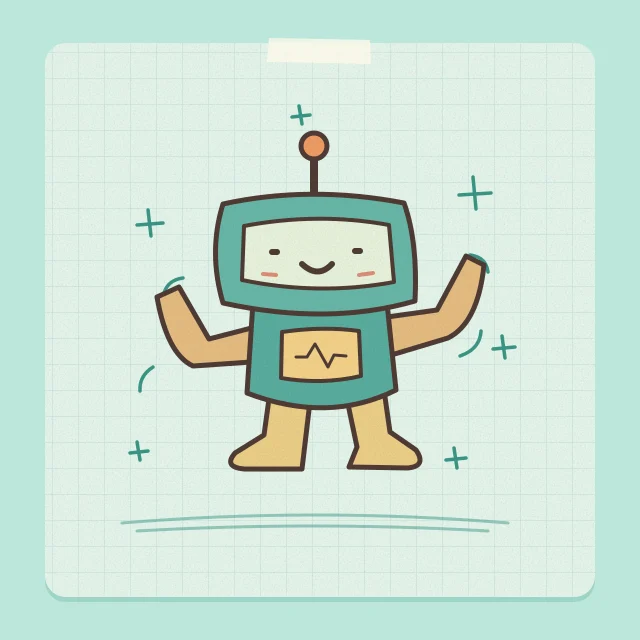
02 / Wave hello
Give a simple character an easy-to-read greeting for a card or message.
Raise one hand or front limb for a short, friendly wave, then lower it to the starting pose.
Starting settings · 5s · 480p · 9:16
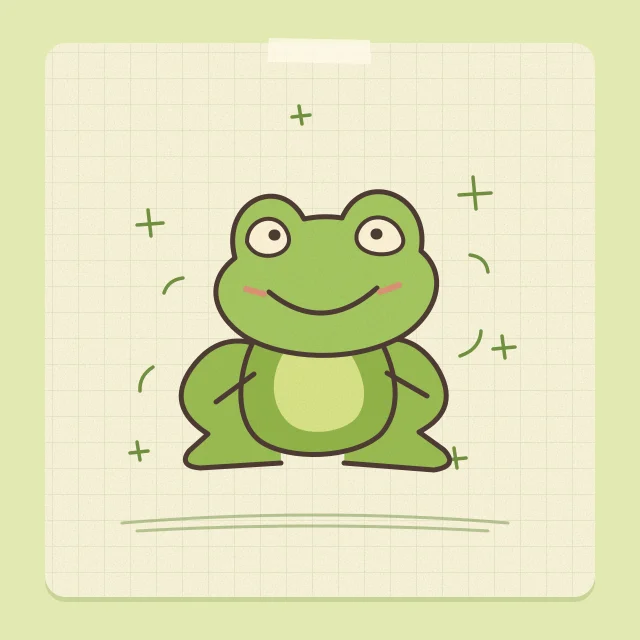
03 / Happy hop
Use a squat silhouette and a little space above it to make the jump readable.
Crouch, make one small joyful hop in place, then land gently in the starting pose.
Starting settings · 5s · 480p · 9:16
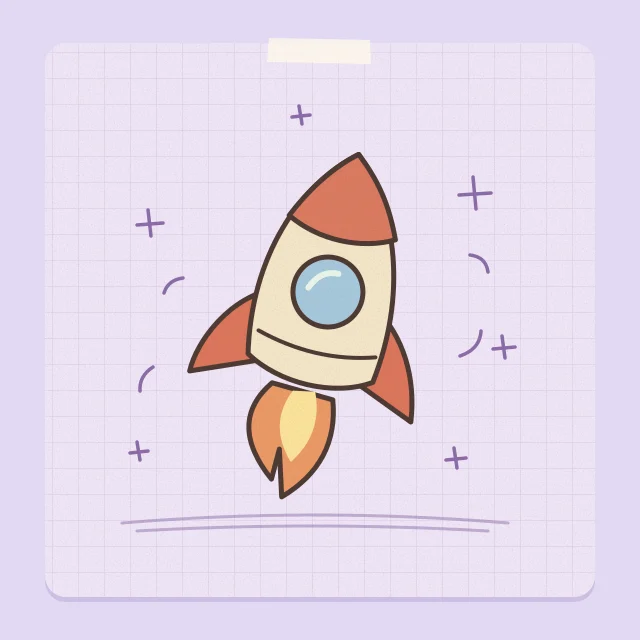
04 / Gentle float
Animate an object with a recognizable outline and a slow, controlled move.
Float up slightly and rock gently from side to side, then drift back to the starting position.
Starting settings · 5s · 480p · 9:16
From drawing to animation
You can load a sample, preview your input, and explore the settings for free. Generating a video requires signing in and using credits.
Choose one JPG, PNG, or WebP up to 10 MB, or load a sample drawing. If you’re taking a photo of the artwork, lay it flat and shoot from above in even light.
Pick Little dance, Wave hello, Happy hop, or Gentle float. Open the video settings to change the length, resolution, or framing.
Review the credit cost, sign in, and select Animate my drawing. Preview the result, then select Download video to save the MP4.
Ideas for your first clip
Photograph a family drawing and turn its main character into a short keepsake. Use the AI Image Editor if you want to tidy the source image first.
Give a drawn character a small wave for a message. Try the AI Sticker Generator for a matching reaction.
See how a mascot’s silhouette reads during a hop or a dance. Try Image to Video to direct its next scene with your own prompt.