Private local processing
Your source image stays in browser memory; this tool does not upload it to ImgEdify.
 ImgEdify
Upload an original Gemini-generated PNG, JPG, or WebP and remove the supported visible corner logo directly in your browser. The calibrated reverse-alpha engine restores covered pixels without generative inpainting, lets you compare the result, and exports a full-resolution PNG. It is free to use, requires no account, and never sends the source image to ImgEdify.
Use an original Gemini download for the most reliable detection.
Gemini places its visible logo with alpha compositing. For supported outputs, the calibrated logo mask lets the engine solve for the covered pixel values instead of inventing replacement content.
Decoding, detection, pixel restoration, preview, and PNG export all run in the browser. No account, upload API, or server queue is involved.
The engine combines known watermark alpha values with the watermarked pixels to recover the underlying RGB values.
Your source image stays in browser memory; this tool does not upload it to ImgEdify.
Known output sizes and a local anchor search select a matching visible Gemini logo mask.
Preview the cleaned result at the source dimensions and download it as a new PNG.
Cropped, recompressed, or newer logo variants may be skipped rather than altered blindly.
These four verified pairs come from the MIT-licensed reference project used by the removal engine. They cover wide scenes, fine line work, portrait output, and a text-heavy comic layout so you can inspect the bottom-right corner on different image structures.
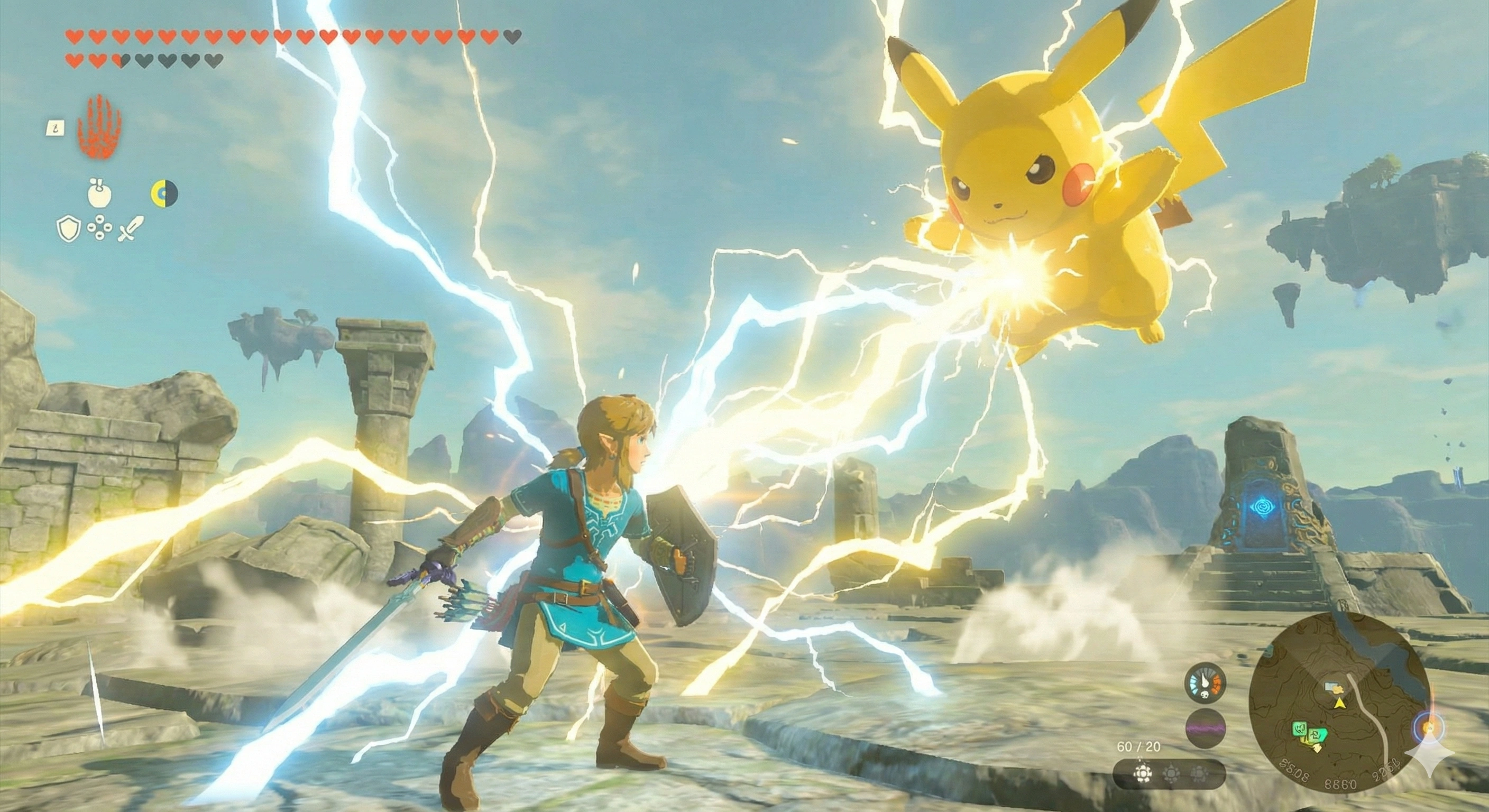
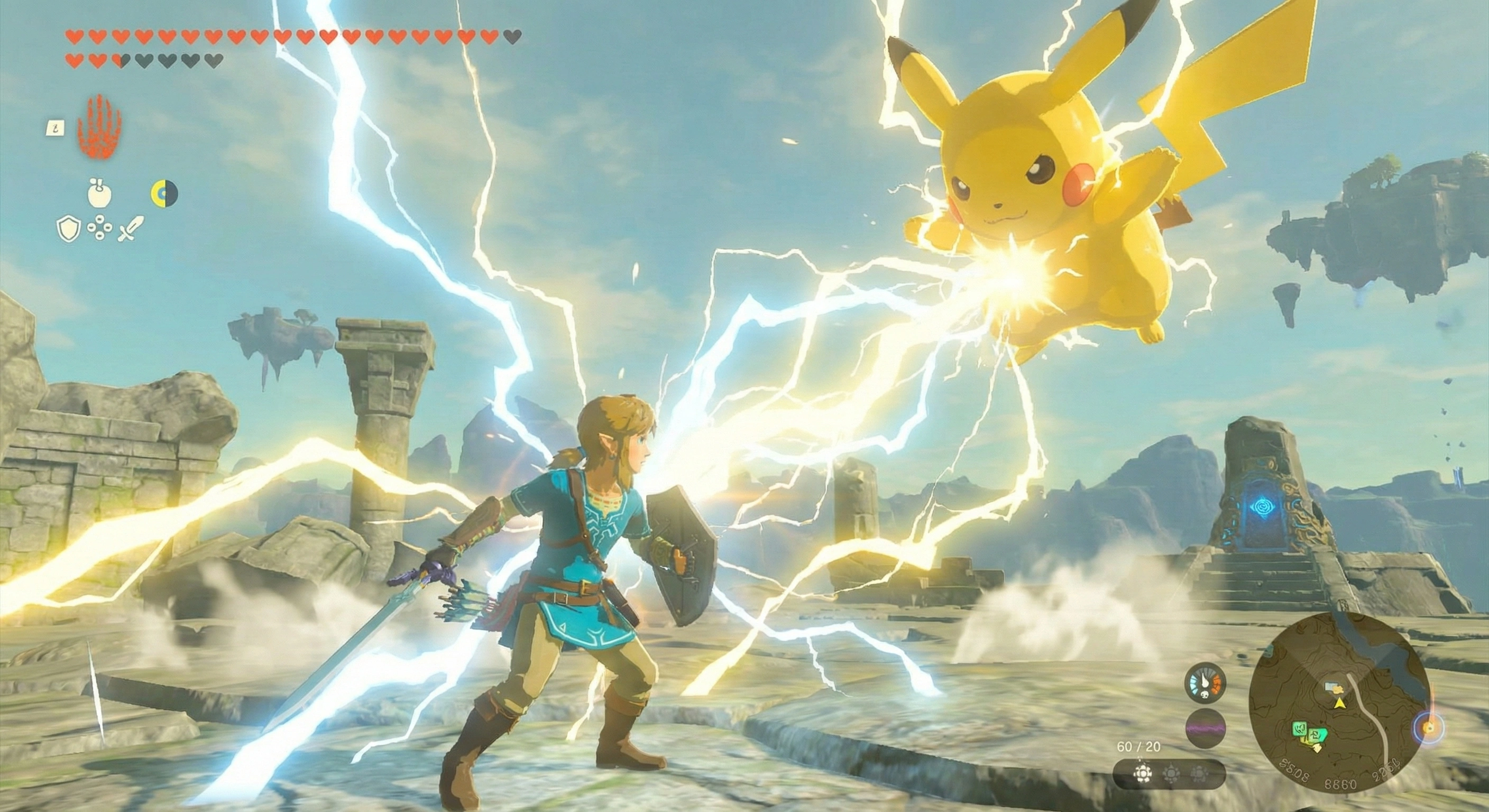
A landscape image with bright effects, sky gradients, and a busy game HUD tests the supported corner anchor without changing the rest of the frame.
Processing setup: Original Gemini WebP · automatic detection · standard removal


Thin route lines, paper texture, and small labels make this a useful check that the corner cleanup does not rely on blurry generative filling.
Processing setup: Original Gemini WebP · automatic mask match · standard removal


A tall character portrait tests a supported portrait output where the watermark overlaps dark red textures and high-contrast edges.
Processing setup: Original Gemini WebP · portrait anchor detection · standard removal


A tall comic page combines pale backgrounds, panel borders, and visible text to demonstrate cleanup on a structured illustration.
Processing setup: Original Gemini WebP · portrait anchor detection · standard removal
The before-and-after files are published by the MIT-licensed Gemini Watermark Remover reference project and are displayed here without visual alteration.
The complete image workflow is free, needs no login or credits, and runs locally in a supported browser. Use an image you have the right to modify.
Use the image downloaded directly from Gemini. Cropped or recompressed copies are harder to match.
Select Remove watermark. The local engine checks the known output size and corner anchor, then applies the matching calibrated mask.
Compare the original and result, then download a full-resolution PNG when the corner looks clean.
Open the page, choose a supported image, and process it without creating an account or sending the source file to a server.
For supported outputs, reverse alpha blending calculates covered RGB values instead of asking an AI model to invent the corner.
Use the comparison control and detection status to inspect the corner before saving the result.
The source is never overwritten; the tool creates a separate full-resolution PNG in browser memory.
Clean an eligible Gemini image, then resize it for a post without changing the original download.
Continue with Image ResizerCompare the restored corner on maps, illustrations, or typography-heavy images before continuing an editing workflow.
Continue with AI Image EditorExport the cleaned PNG first, then convert it to WebP for a smaller production-ready web asset.
Continue with Image to WebPOnly remove a watermark when you have the right to use and modify the image. You are responsible for complying with applicable laws, licenses, and platform terms.
Resize the cleaned PNG for social posts, websites, or presentations.
Create a smaller JPG, PNG, or WebP after checking the restored result.
Convert the final PNG into an efficient WebP file for the web.
Return to the private browser workspace, remove the supported visible logo, compare the corner, and download a separate full-resolution PNG.
Removal engine based on the MIT-licensed Gemini Watermark Remover project by GargantuaX, Jad, and AllenK (Kwyshell).
View source project